

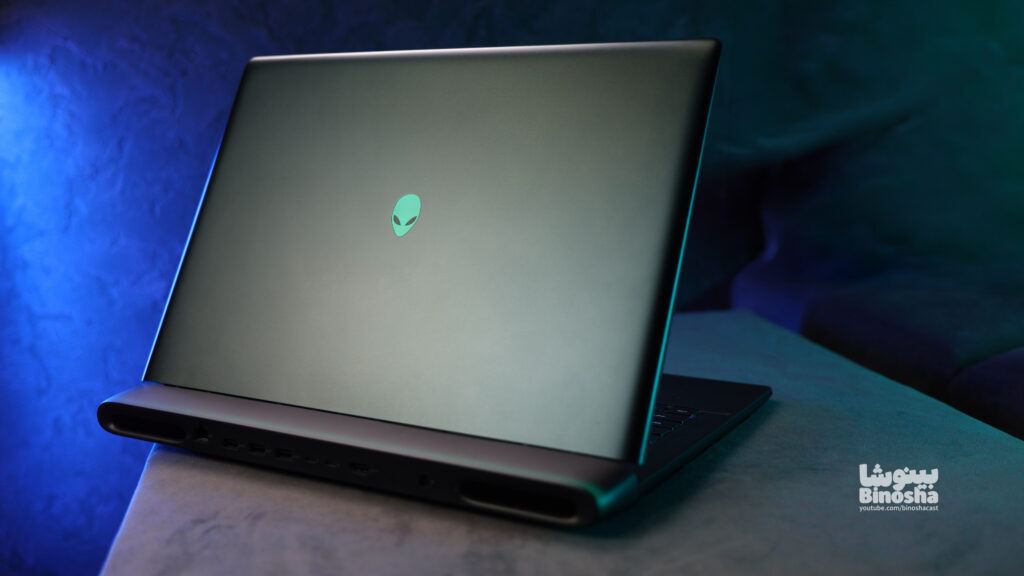
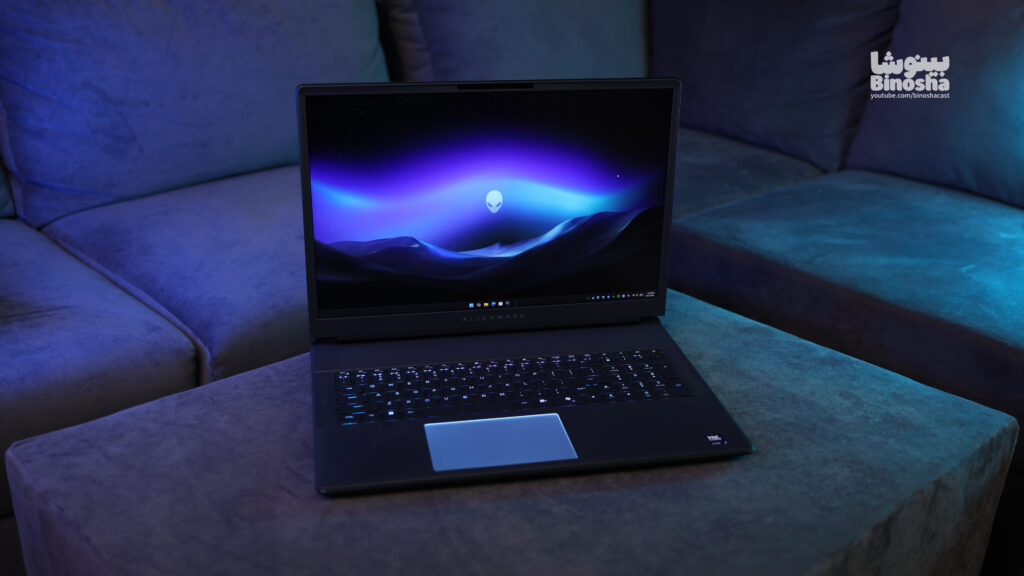
This laptop is one of the most powerful and, of course, the most expensive laptops that have ever sat on my test bench: the Alienware 18 Area-51 .
With a staggering price tag of 1 billion and 225 million Tomans (about $6,000), this laptop is practically a last-stage giant in the world of hardware! The question here is no longer whether this device is worth buying or not; the main question is who has the budget to buy such a monster? Without further ado, let’s get down to a detailed and meticulous review of this fascinating spaceship.
1. Body and chassis design (Score: 9/10)
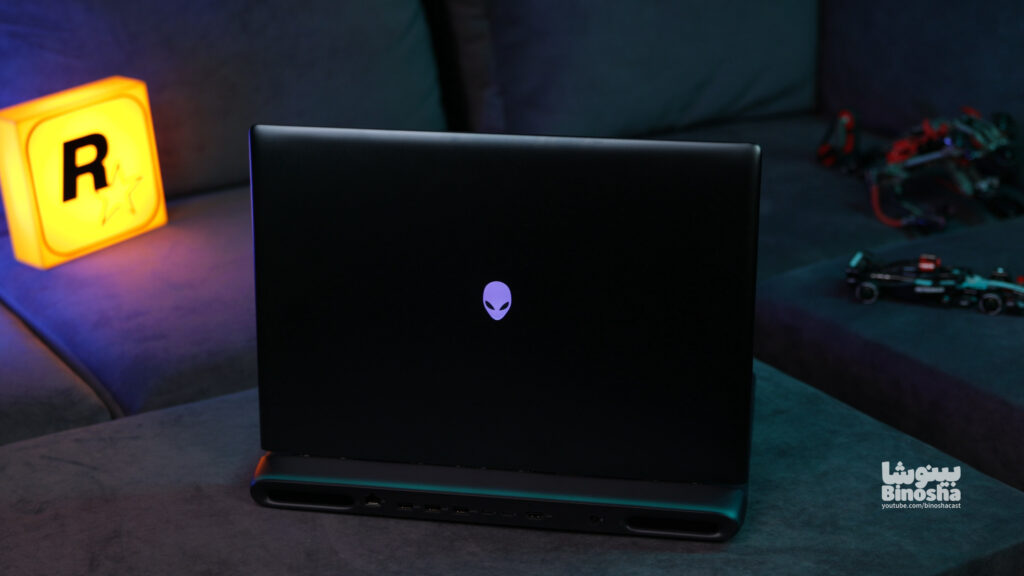
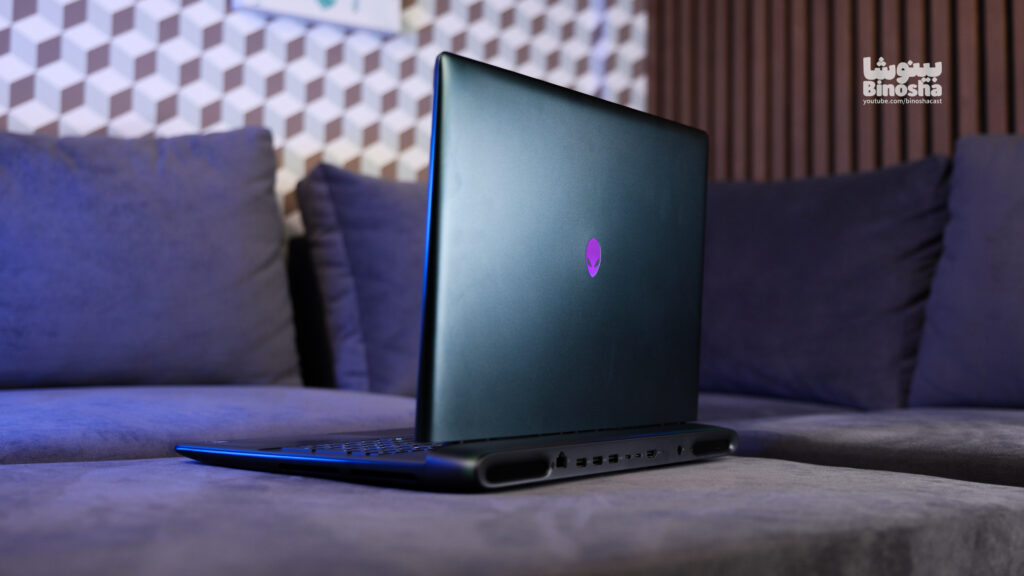
At first glance, the body and dimensions of this 18-inch behemoth grab your attention. Alienware has used an all-metal chassis for the bottom and back of the device, which is of excellent quality. However, in a smart engineering decision, the palm rest and keyboard area are made of compressed plastic to prevent the high heat of the powerful internal components from being transferred to the user’s hands. The build quality is at the highest possible level, and the 18-inch display hinge remains firmly in place without the slightest wobble.
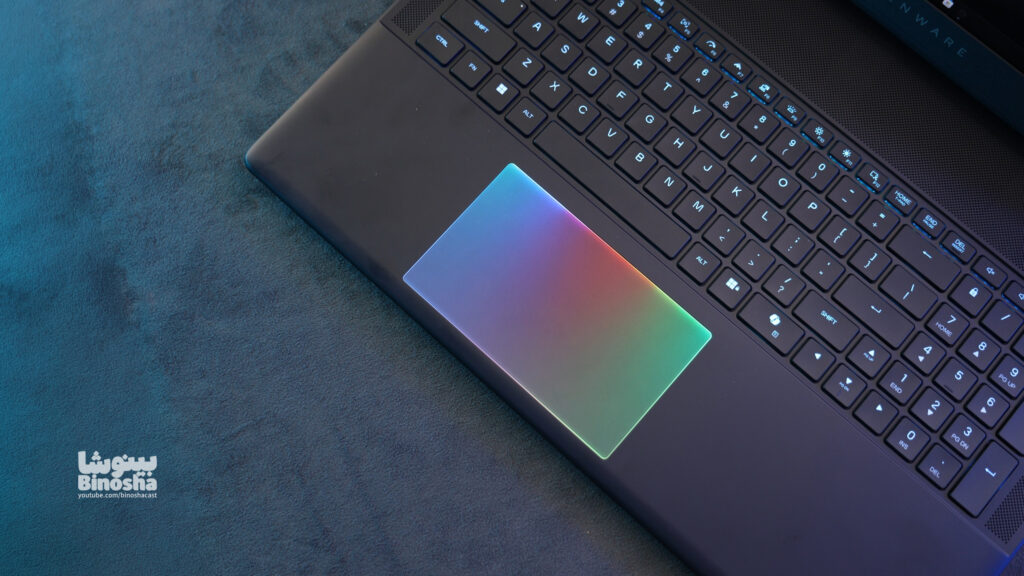
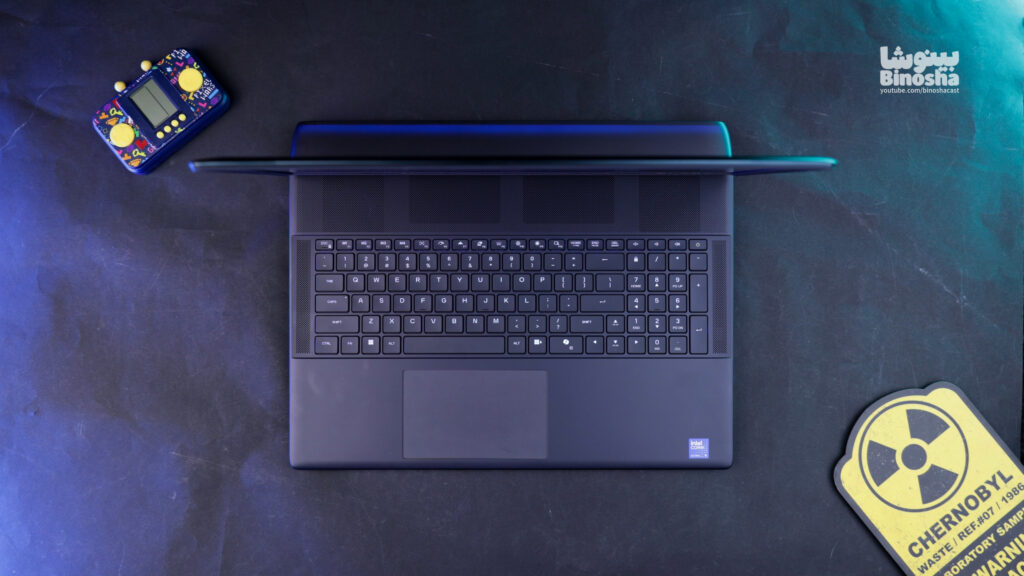
The keyboard is full-size, and finally, we have the Numpad. The model we have for review uses a chiclet keyboard, although a mechanical version (presumably equipped with Cherry MX switches) is also available in the global market. The trackpad is large, and its matte coating provides a very smooth user experience.
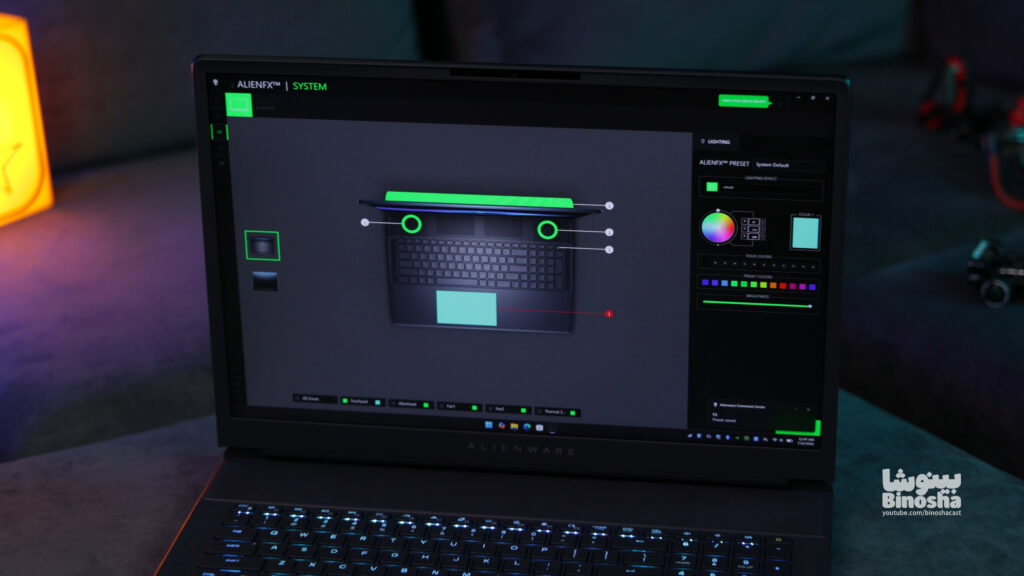
One of the most interesting aspects of the design is the unique lighting that can be seen under the trackpad, around the fans, on the back of the case, and even above the keyboard (the air intake). All of these effects can be customized via the Alienware Command Center software; although I must admit that the software was full of bugs and caused the laptop to constantly restart, until we finally had to use AlienFX to manage the lighting.
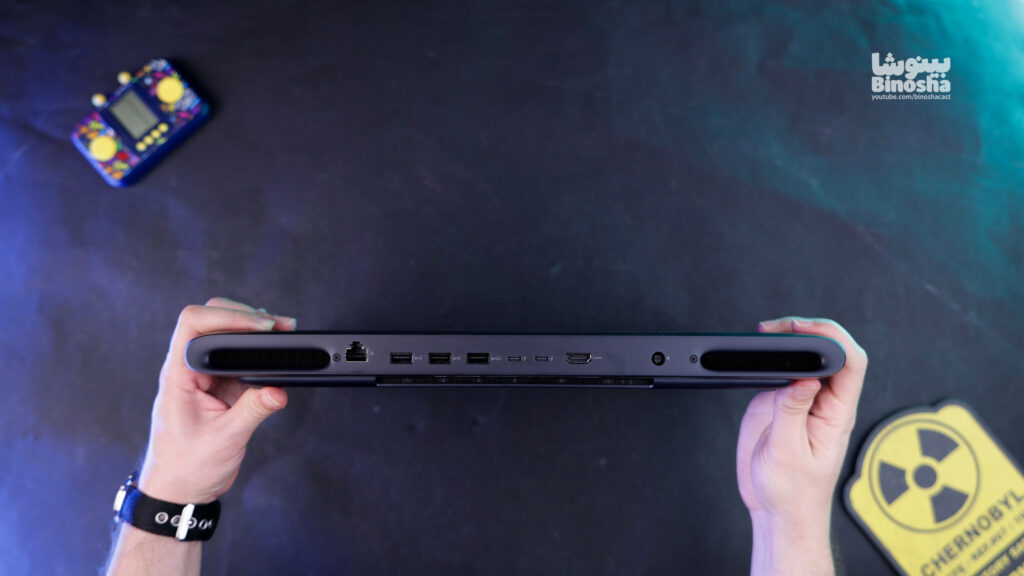
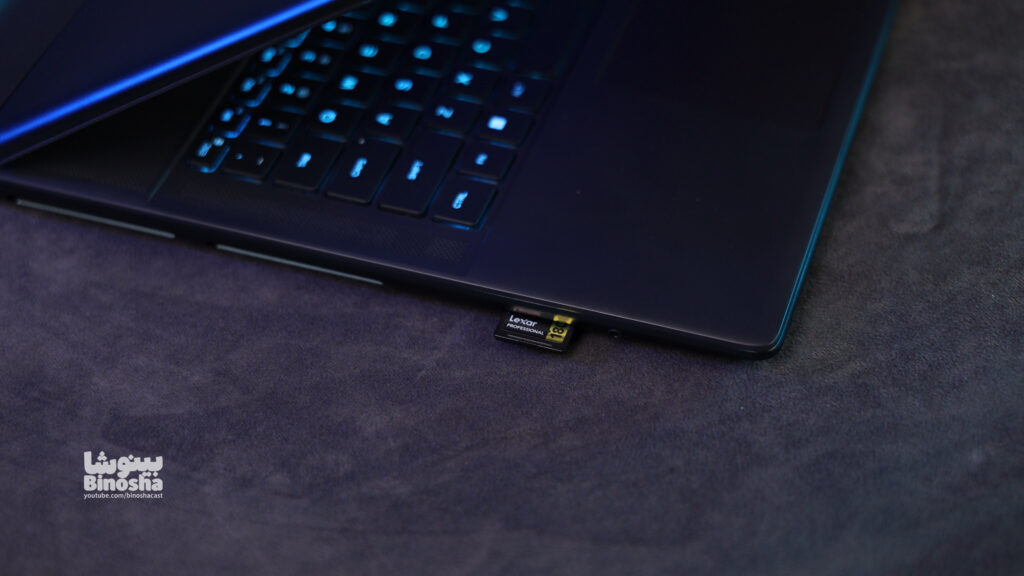
The port mix on this laptop is very complete. On the left side, there is a full-size SD Card slot; the same popular port that is more essential for me and the constant transfer of camera footage than anything else, and fortunately it offers an excellent speed of 300 MB/s. Next to it is a 3.5 mm headphone jack. On the back of the device, there is a 5 Gigabit LAN port, three USB-A ports, two Thunderbolt 5 ports, HDMI 2.1 output and a charging port, which helps to better manage cables on the desk.
The only thing that stopped me from giving this a perfect 10 is the weight of the device. The laptop itself weighs 4.3 kg, and when you add the 360W charger, you’re left with a 5.5 kg package! To be honest, unlike laptops like the Zephyrus G16, which for me is the epitome of a stable and portable Windows experience, this model is practically a mini PC case. While preparing the video, Hossein and I had to move this laptop around the table together, so don’t count on carrying it around every day.
2. Screen (Score: 9/10)
Alienware has used an 18-inch QHD panel with IPS technology in this model. With 500 nits of brightness, a stunning 300 Hz refresh rate, 100% sRGB color coverage and around 90% AdobeRGB, this display is not only a dream for gamers, but also a completely reliable choice for video editors.
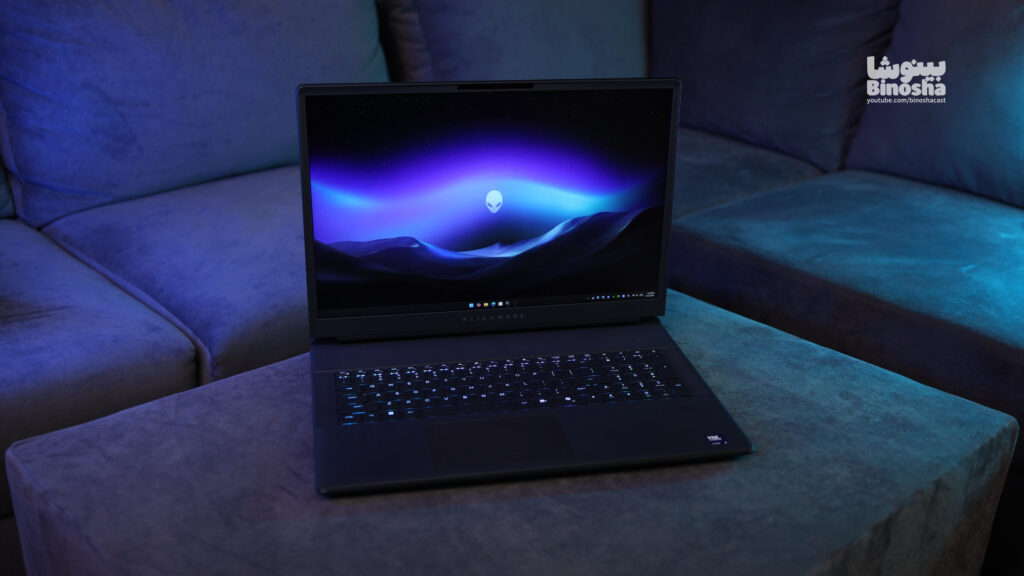
The reason for the 9 in this section is that, having paid such a large amount of space, we expected to see an OLED panel in this configuration (apparently OLED panels are offered in newer configurations). But one of the most attractive points in the design of this section is the inclusion of a transparent panel with RGB lighting at the bottom of the device, which displays part of the motherboard and is visually extremely eye-catching.
3. Performance and Hardware (Score: 9/10)
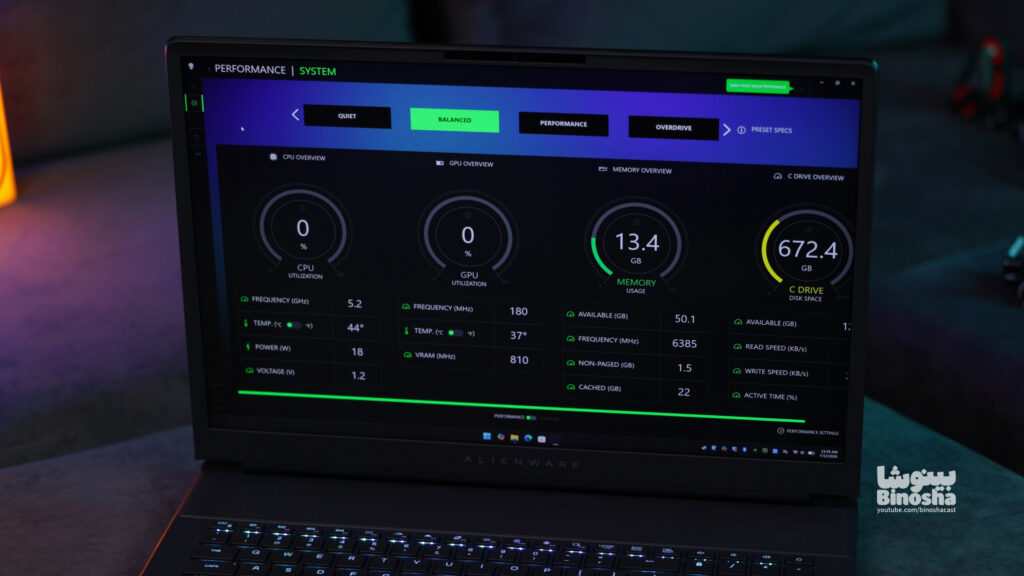
We get to the heart of this behemoth, where the flagship Core Ultra 9 processor (model 275HX) sits alongside a monster RTX 5090 graphics card with 24GB of dedicated memory and 175W of power consumption. The presence of 64GB of RAM with a frequency of 6400MHz and 2TB of 4th generation SSD storage (upgradable to 5th generation) completes this ruthless package.
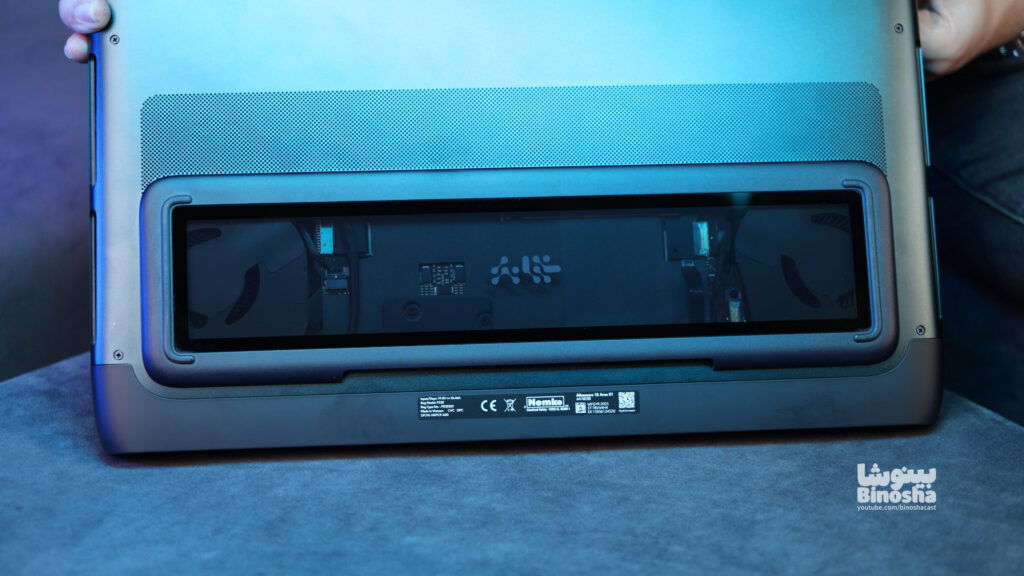
The four-fan cooling system is an engineering feat, pulling air in even from above the keyboard. We achieved an incredible score of 23,849 on the TimeSpy test. But on the Premiere Pro rendering test, it clocked in at 3 minutes and 9 seconds; to be honest, I was expecting to see a sub-2 minute time with this processor and 64GB of RAM, and I was a bit disappointed.
When it comes to gaming on this laptop, one thing must be said frankly: playing games at 1080p resolution with this hardware is forbidden by Islamic law and custom! With these components, you should definitely experience games on the highest graphics settings. If you want to see the exact framerate of heavy games like Cyberpunk 2077 or Red Dead Redemption 2 on this laptop.
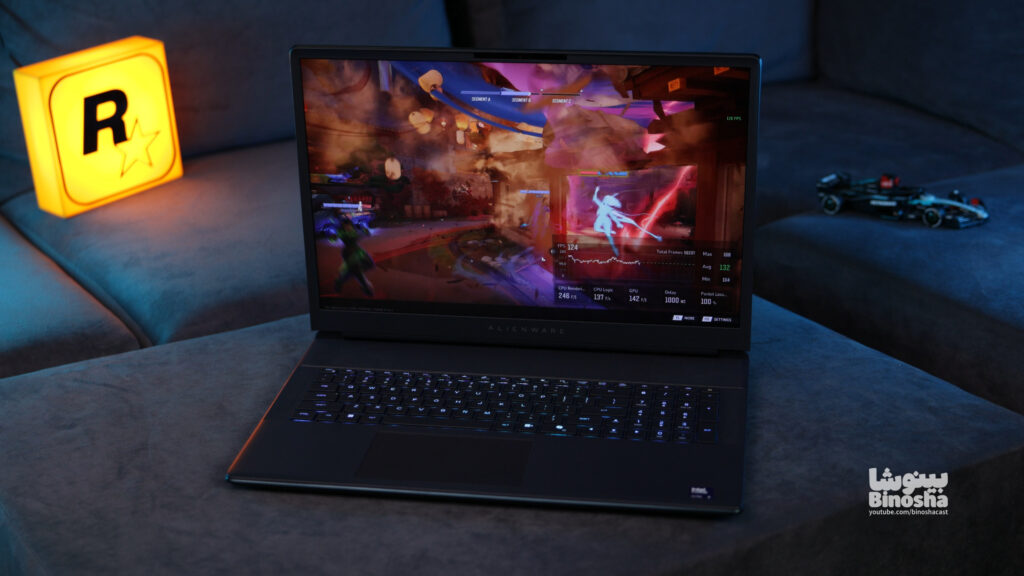
I give this a 9 out of 10, and that one point is deducted purely for economic reasons. For the money you can buy a laptop with an RTX 5080, and you can also get a PlayStation 5 and a flagship phone! The laptop version of the 5090 is essentially the desktop 5080 with more video memory (24 GB), so there’s little logical justification for paying this astronomical price for a small percentage of extra performance.
| Benchmarks | ||
|---|---|---|
| Processor performance | ||
| Cinebench 2024 | 134 | 2120 |
| Cinebench 2026 | 506 | 8605 |
| Geekbench 6 | 3129 | 21980 |
| Graphics performance | ||
| Cinebench 2026 GPU | 104586 | |
| TimeSpy | 23759 | |
| Rendering performance | ||
| Adobe Pr | 3min9sec | |
| Adobe AE | 3min34sec | |
| Blender | 8591 | |
4. Speakers, Webcam, and Battery Life
To wrap up the review, let’s take a look at the other key features of this device. The sound quality of this laptop is exceptional. The Area-51’s speakers are some of the loudest, clearest, and highest-quality I’ve ever tested on a laptop, easily filling a room.
The 1080p webcam sensor is good enough for video calls, and support for Windows Hello facial recognition is a great bonus. The only downside is the lack of a physical shutter to cover the webcam lens, which is a privacy issue.
In terms of power, Alienware has used a 95Wh battery that lasts for a maximum of 5 hours in the best case and light everyday use. Of course, you can’t expect more from an 18-inch gaming laptop with this power-hungry hardware. Gaming on battery is not recommended at all, and a 360W charger should always be your cave companion.
Final conclusion
Overall, the Alienware 18 Area-51 is one of the best, most attractive, and most powerful machines I’ve ever had the pleasure of working with. If you’re a budget-conscious user looking for the highest possible performance in a laptop form factor, this machine will leave nothing to be desired. But if it were up to me, I’d go with the 5080 configuration with that budget and spend the rest of my money upgrading other parts of my setup.
Binosha Special Offer: If you are looking to buy this monster or other special and rare laptops on the market, you can place your order through the Raytech website . Don’t forget that by using the Binosha discount code, you can get your purchase at a better price and delivered in the fastest possible time.
Thank you for sticking with me until the end of this text review. Be sure to leave us your thoughts in the comments section of the Binousha website; If you had 1 billion and 225 million Tomans in cash, would you buy this laptop?
We are very sincere!
Your Comments
You need to log in to your account to comment.
Log in / Sign up